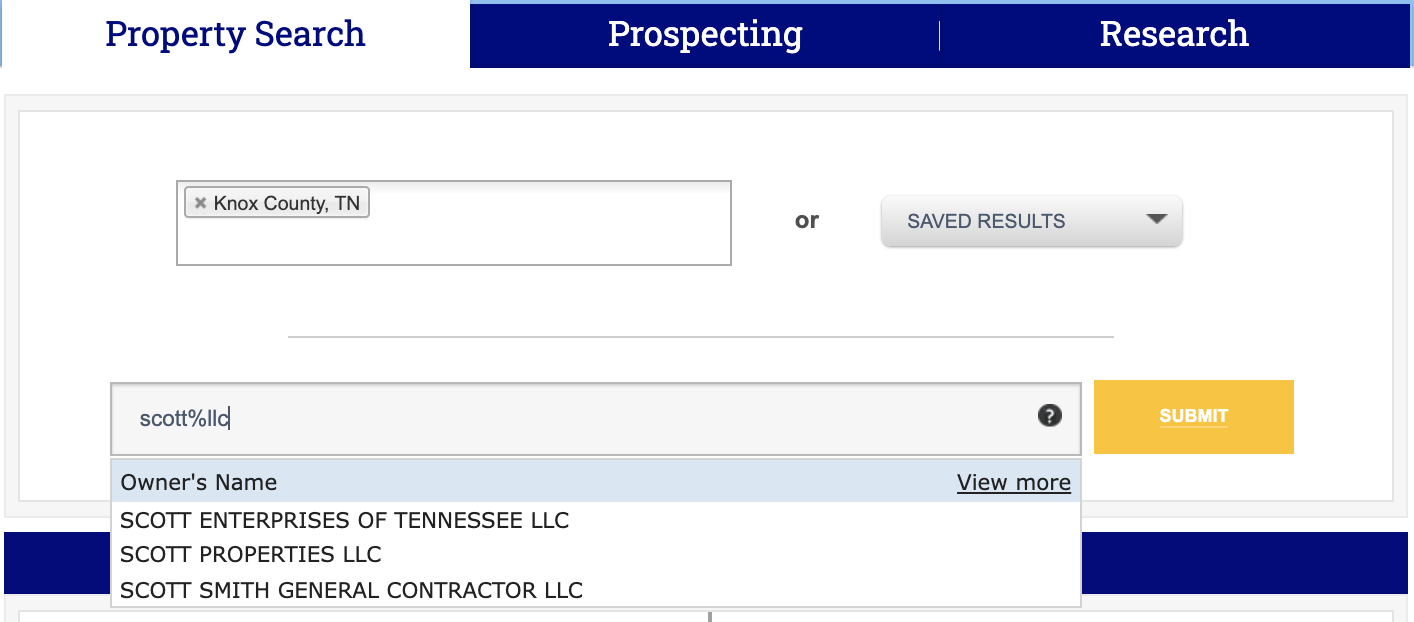
If you are not sure how your subject property is recorded with the county or you don’t have a complete street address, you can use the “wildcard” search feature in two ways:
- If you’re unsure about the name or address you are searching, try adding a percentage sign (%) before a search phrase or term. In the example below we use “LLC”.
This percentage symbol tells our system to pull up all names/titles/addresses that feature the phrase you’ve entered. This “wildcard” increases the likelihood that you will find the correct property.
- If you are unsure of the complete street address, there is also a numeric “wildcard” using the underscore symbol “ _ ”.
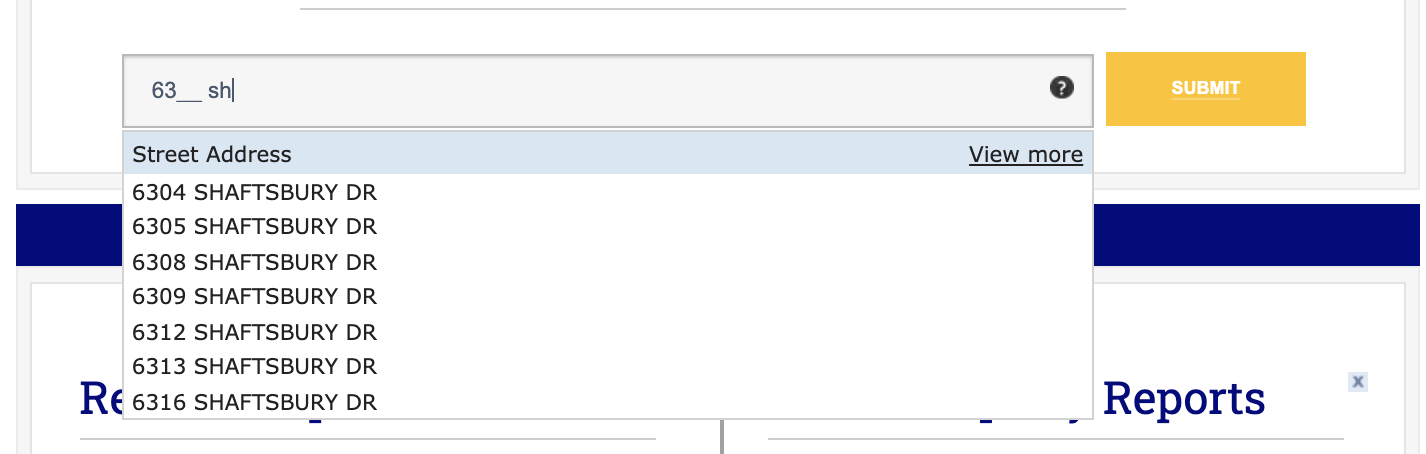
Unlike the name searches, when you search by a street number, you’ll need to “tell” the system how many numbers will be included. You can do this by using the underscore at the beginning or end of your numeric search. The underscore serves to represent any number that you do not know.
Example: if you know the street number is a total of four (4) numbers, but you only know the first two (2); you must put two (2) underscores in the search.
Example Search: Type 63_ _ and then begin typing the street name: