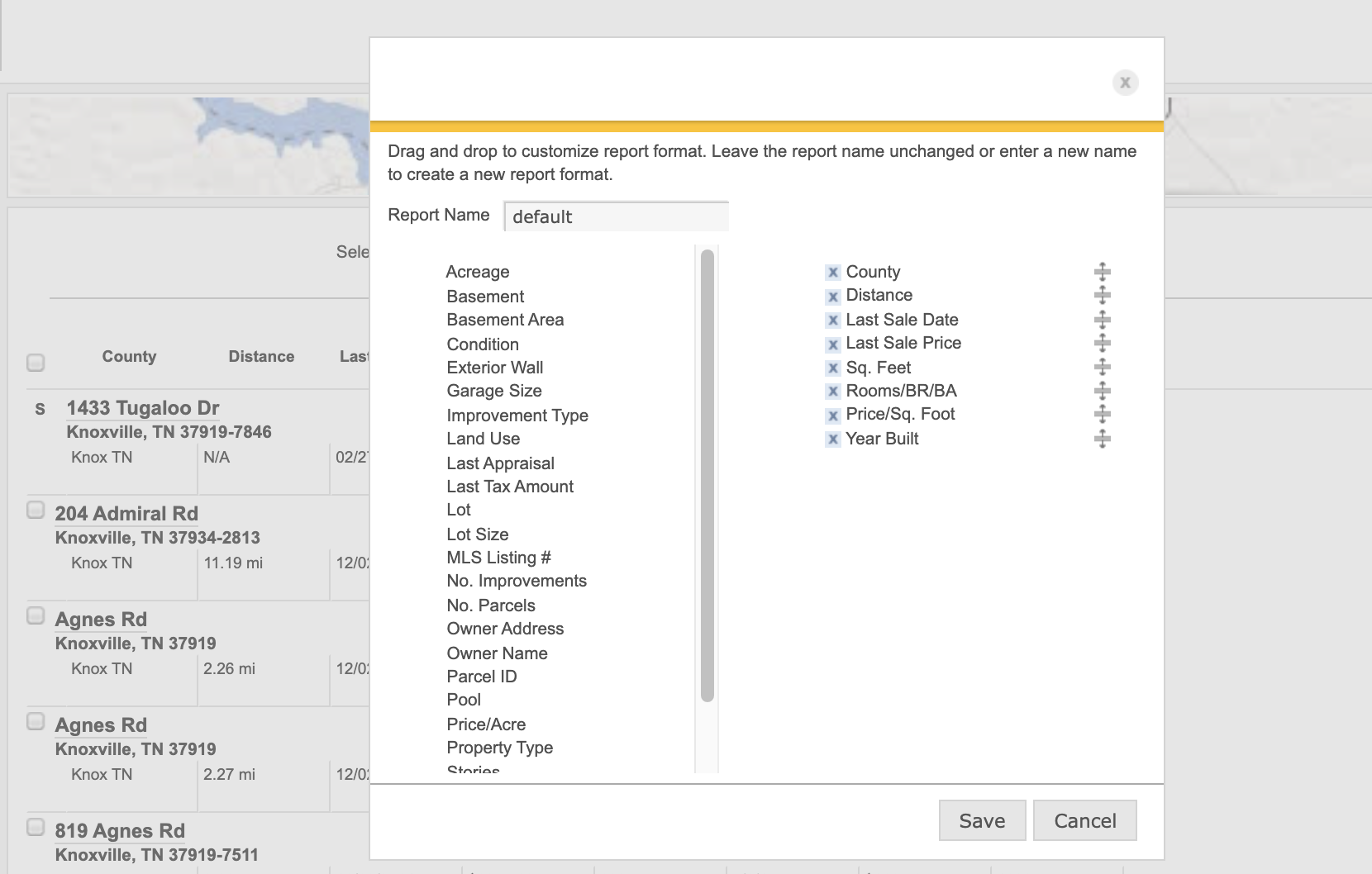
When you create a new business prospect list or conduct a Comparables search, you can customize which data you would like to include as well as how your results are displayed by adjusting which columns you want to appear. Just click on Choose Columns at the the top of the list of properties.
Pro Tip: Be sure to check out our library of video tutorials explaining how to customize this experience along with many other useful tips designed to make Financial Suite work for you. Check out the Customize and Personalize Your Search Results video below.