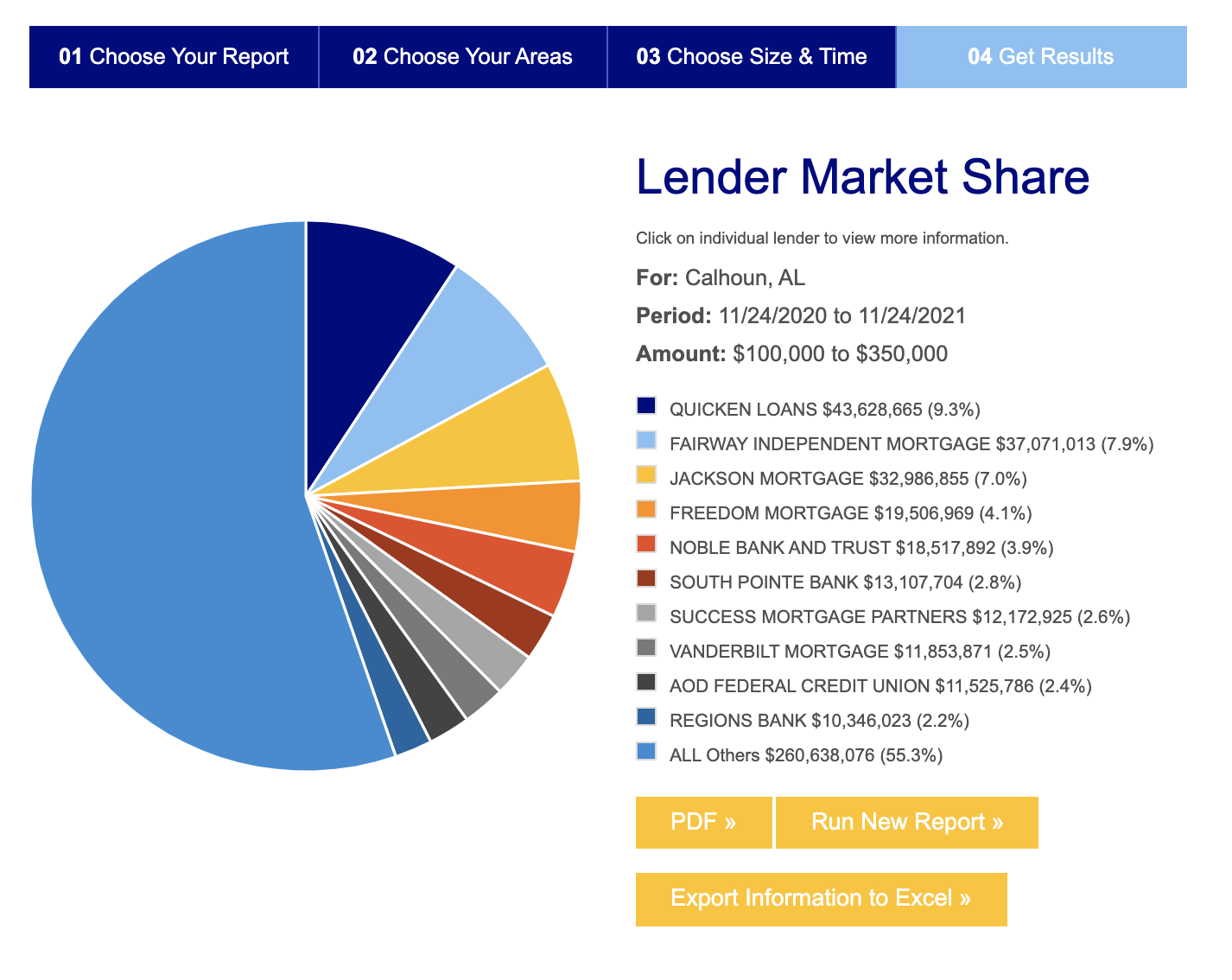
The Market Share report allows you to compare your lending activity to other competitors’ activity -- offering a clear picture of your market strength and opportunities. To get started, click on the Research Tab and select the market share report. Choose your report type, select the area, choose your parameters, and then click Get Results -- or scroll to the bottom and click next. The reports are interactive. You can click on a line in a bar graph, an area of the pie chart, or a bank name to review all individual loans.