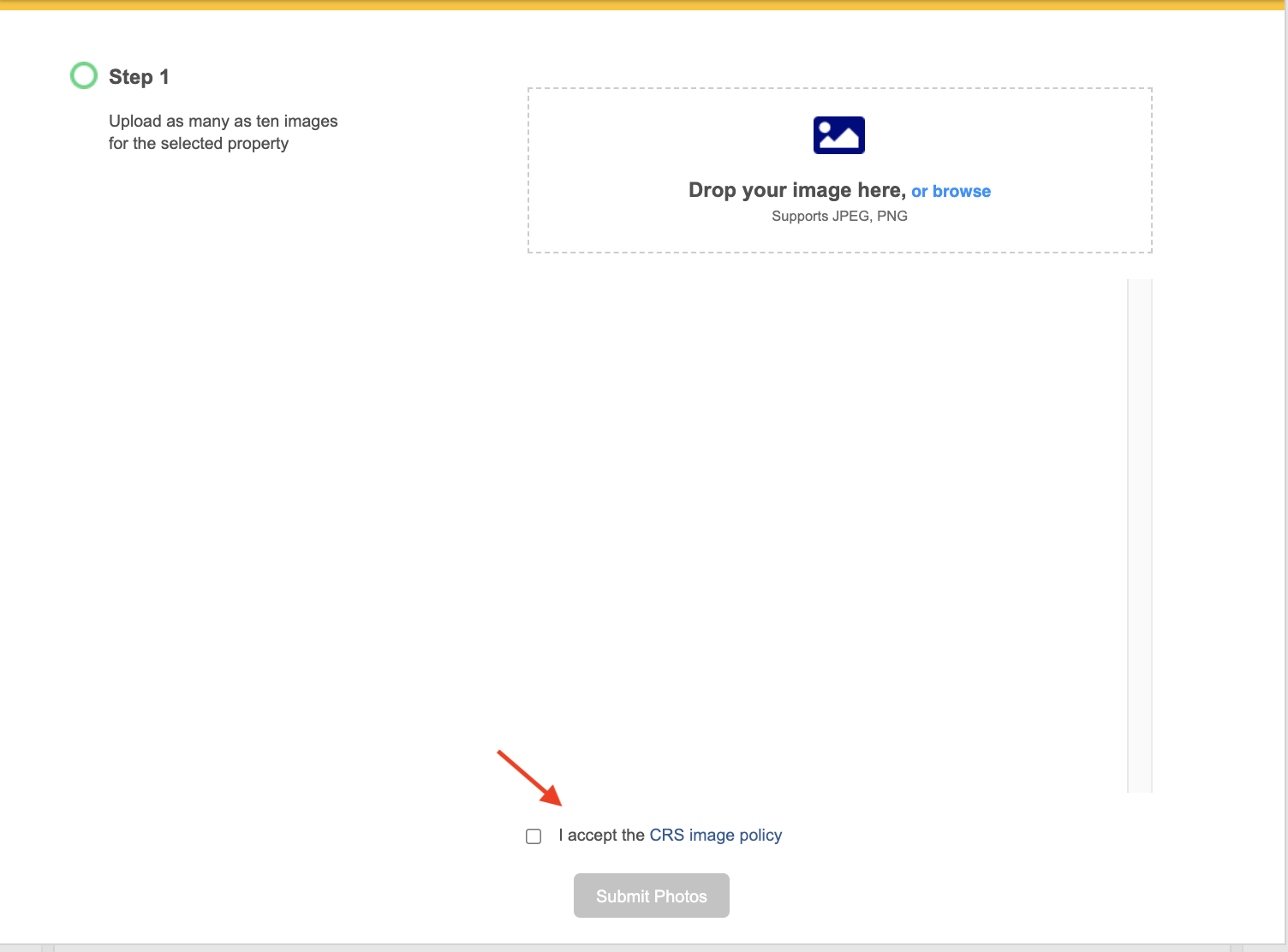
Financial Suite allows you to add multiple photos to a subject property. The added photos are saved indefinitely and only to your individual user account.
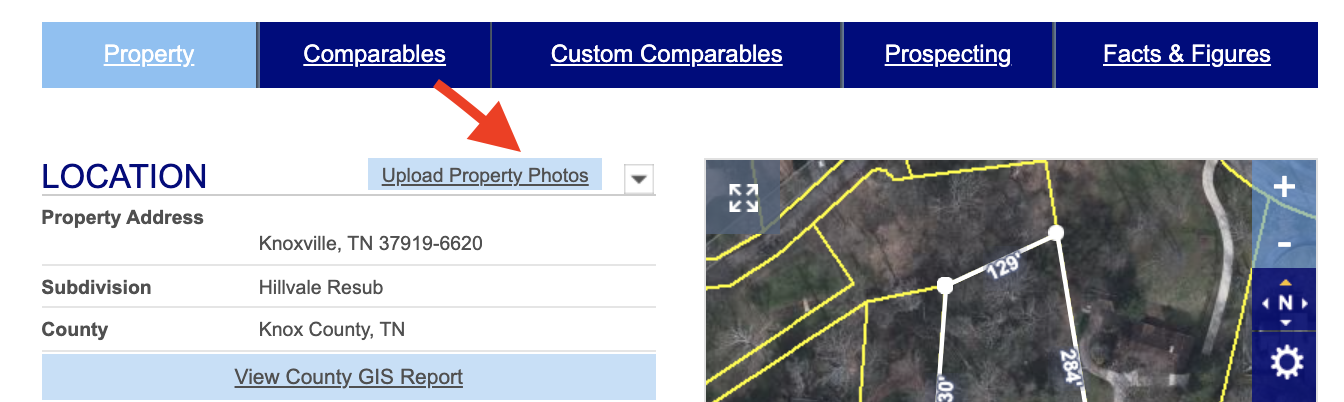
First, open the subject property and click on Upload Property Photos in the blue rectangle located next to LOCATION.
Then, drag and drop or click browse to choose up to 10 photos from your computer or device. Click on the Edit pencil to change the name of the image. Be sure to select one of the new images as the default image for the property.
Finally, click on Accept the CRS Image Policy box, and click Submit Photos.