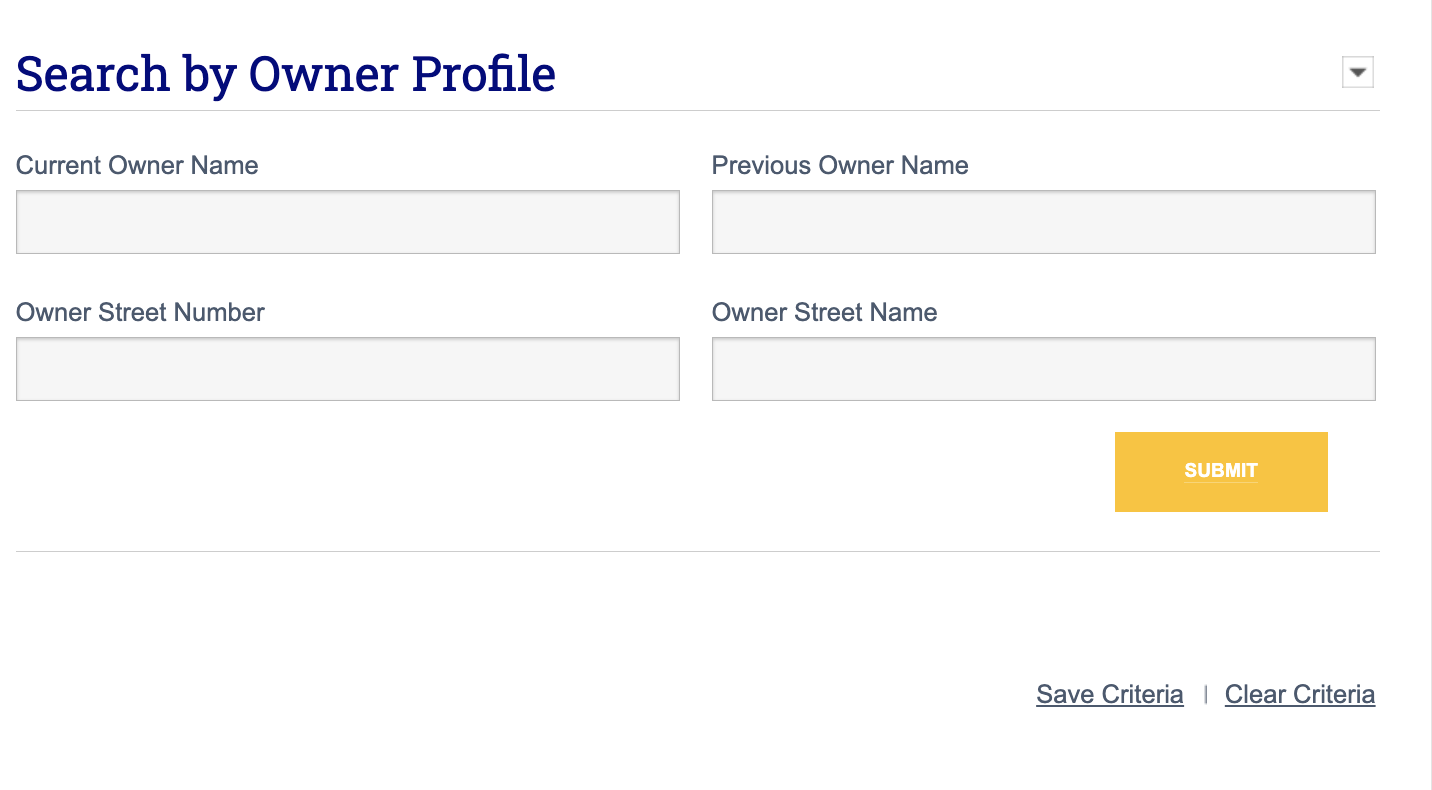
With Financial Suite’s owner address search fields, it is easy to generate a list of properties owned by the same property owner even if those properties are associated with separate LLC entities. This can be done using either the Property Search tool or the Prospecting tool in Financial Suite.
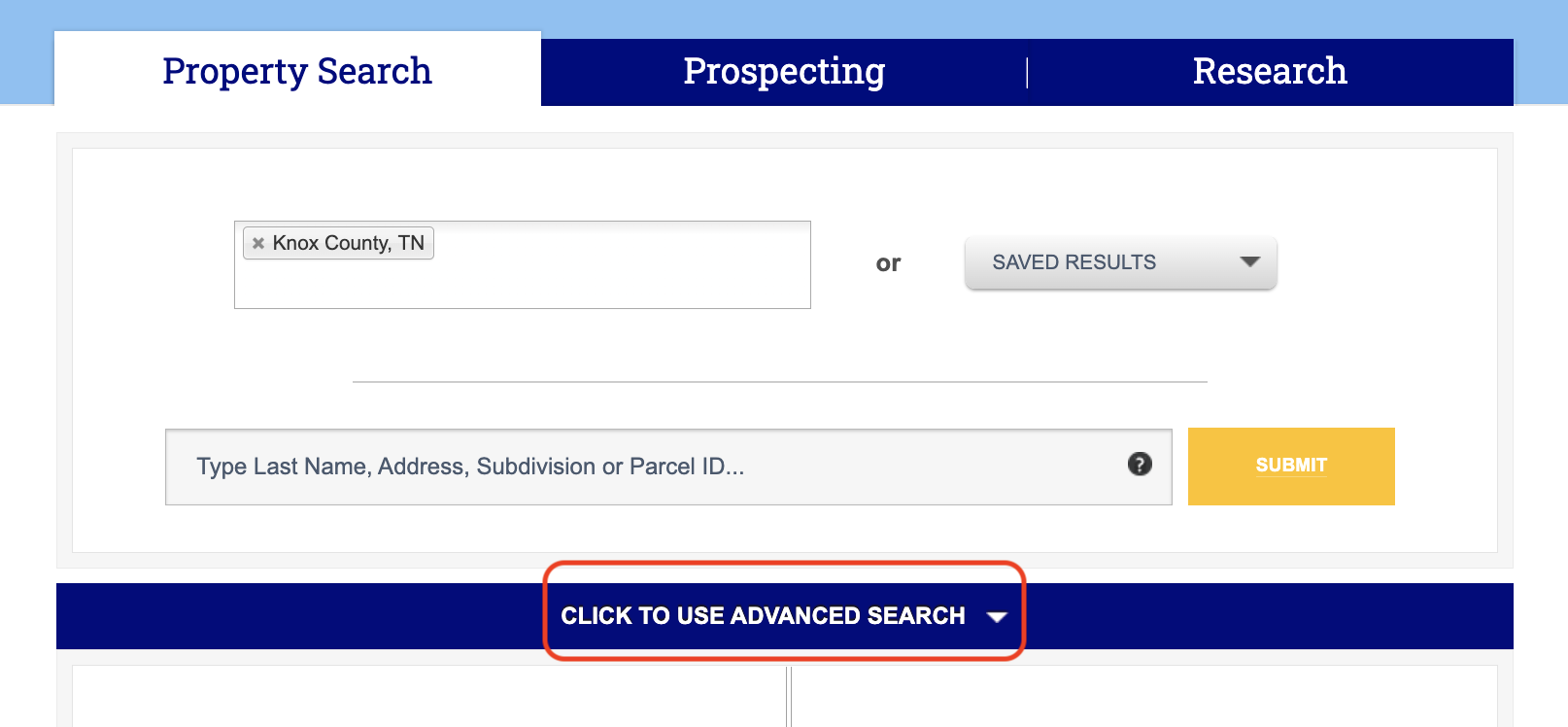
From the Property Search tab, scroll down until you see the Click to Use Advanced Search in the blue toolbar and click the dropdown arrow to view advanced search options.
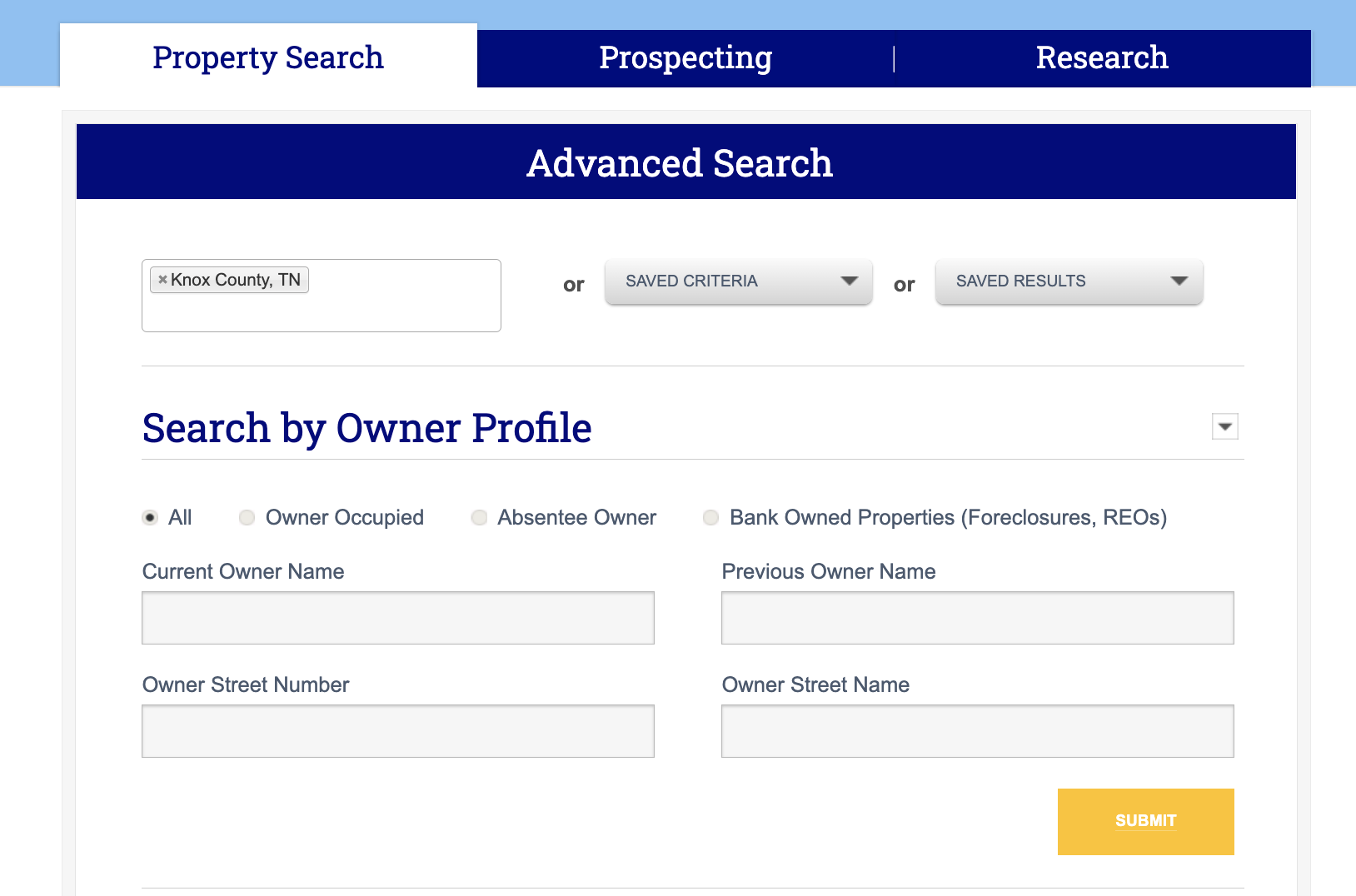
In the Search by Owner Profile section, you will see fields for Owner Street Number and Owner Street Name. Note that the Owner Street Name field does accommodate PO boxes and/or box addresses. These fields enable you to search for a mailing address to see every property related to that address.
Enter either the owner’s name or a known address associated with the owner to view a list of all properties associated with that owner.
Search by Owner Profile When Prospecting
These search fields can also be used for prospecting purposes. Click the Prospecting tab and under Select Area Method, click the All tab in the blue toolbar.
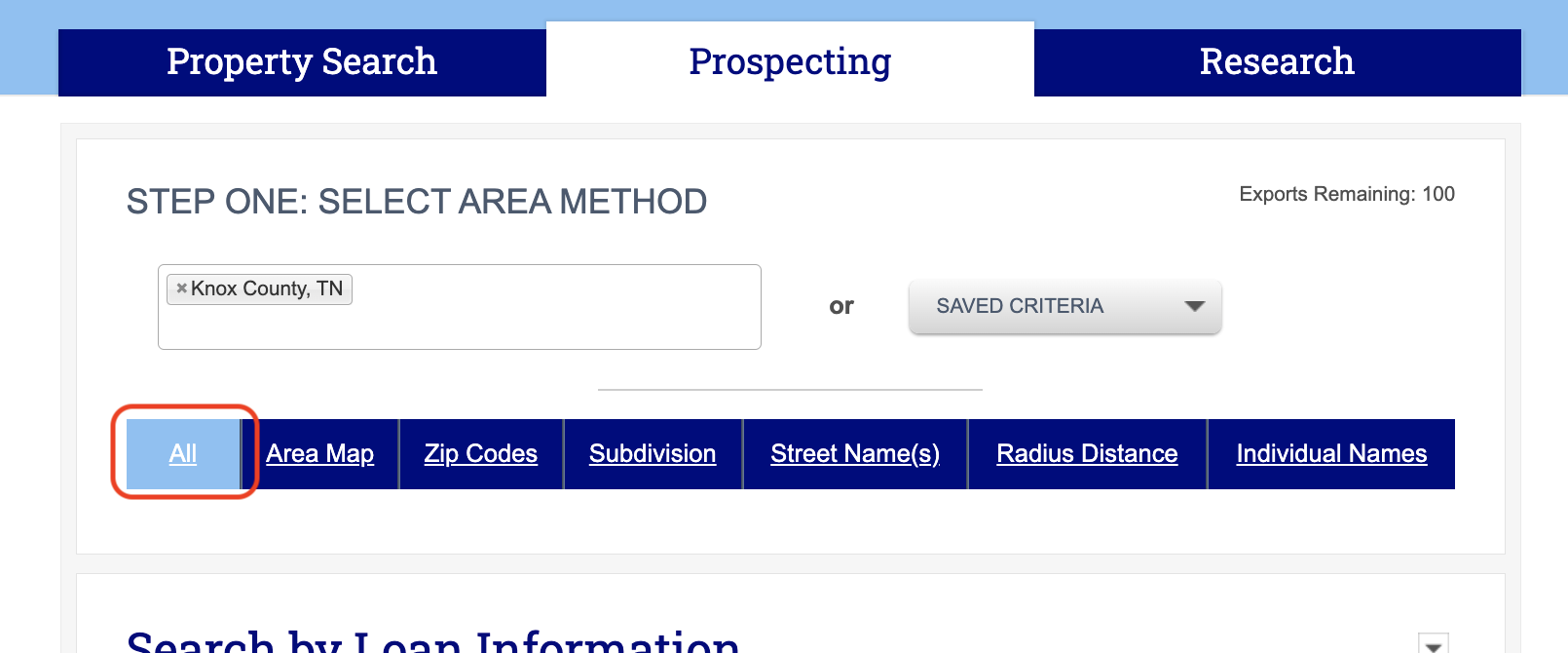
Scroll down until you reach the Search by Owner Profile section. Here, as under the Property Search tab, you can search by current or previous owner name or owner street address.