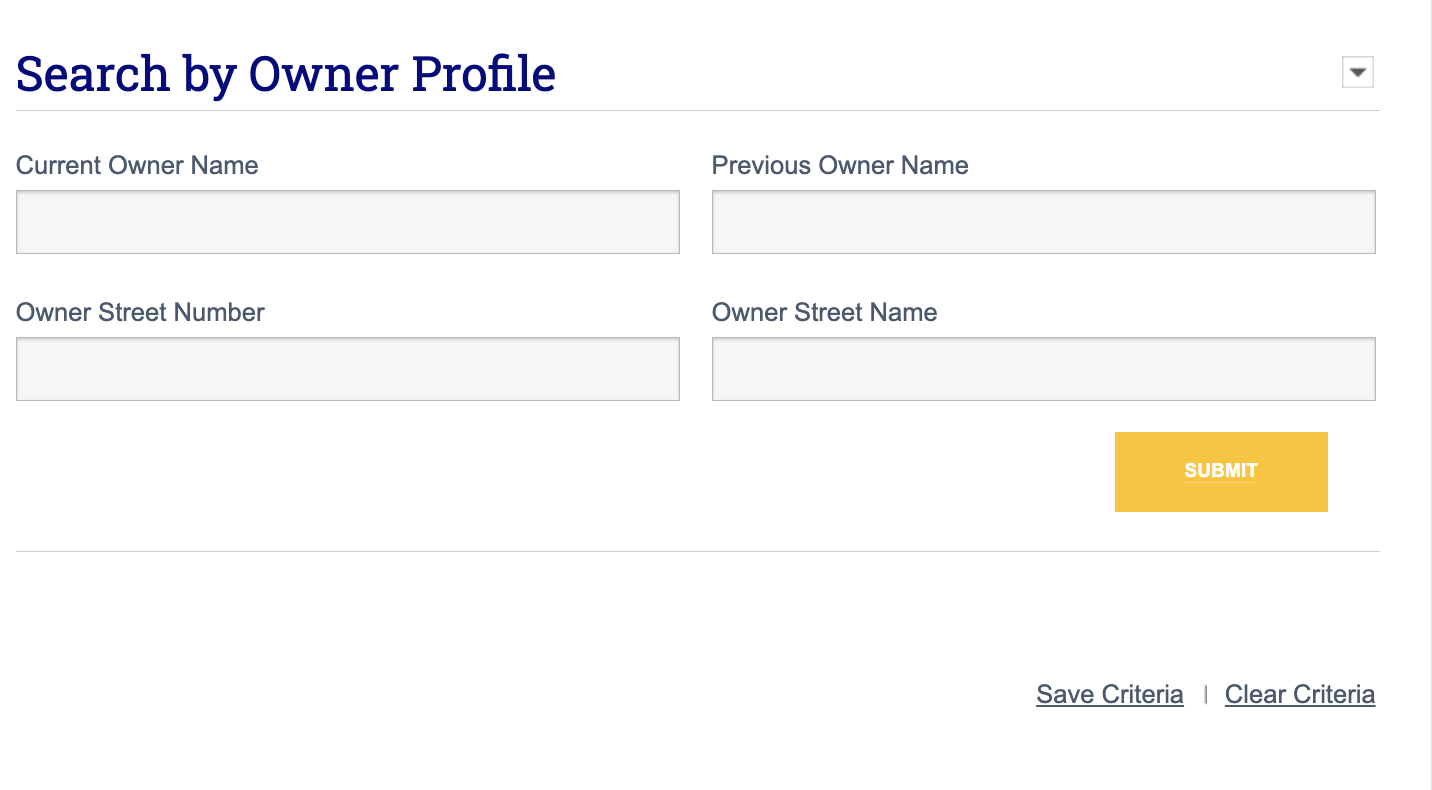
The Owner Street Number and Owner Street Name fields in the Search By Owner Profile section within Advanced Search are useful when someone owns numerous properties, but each property is associated with a separate LLC entity. While sometimes a property’s owner name is different (as in 123 Cloud LLC, 456 Cloud LLC, etc.), the mailing address across all of those owners will be the same (i.e., the address where the tax bill is mailed).
If you know the mailing address for a given property owner, you can use the Owner Street Number and Owner Street Name fields to search by that mailing address. This will show every ownership entity (i.e., LLC) that is related to that address, making it easier to locate all properties associated with a given property owner.
Search by Location When the Owner Mailing Address is Unknown
If you do not know a property owner’s mailing address but you know of one properties owned by them, first begin by looking up that property via a property report or advanced search to obtain that property’s mailing address. For example, use the Advanced Property Search tool under the Prospecting tab to Search by Location.
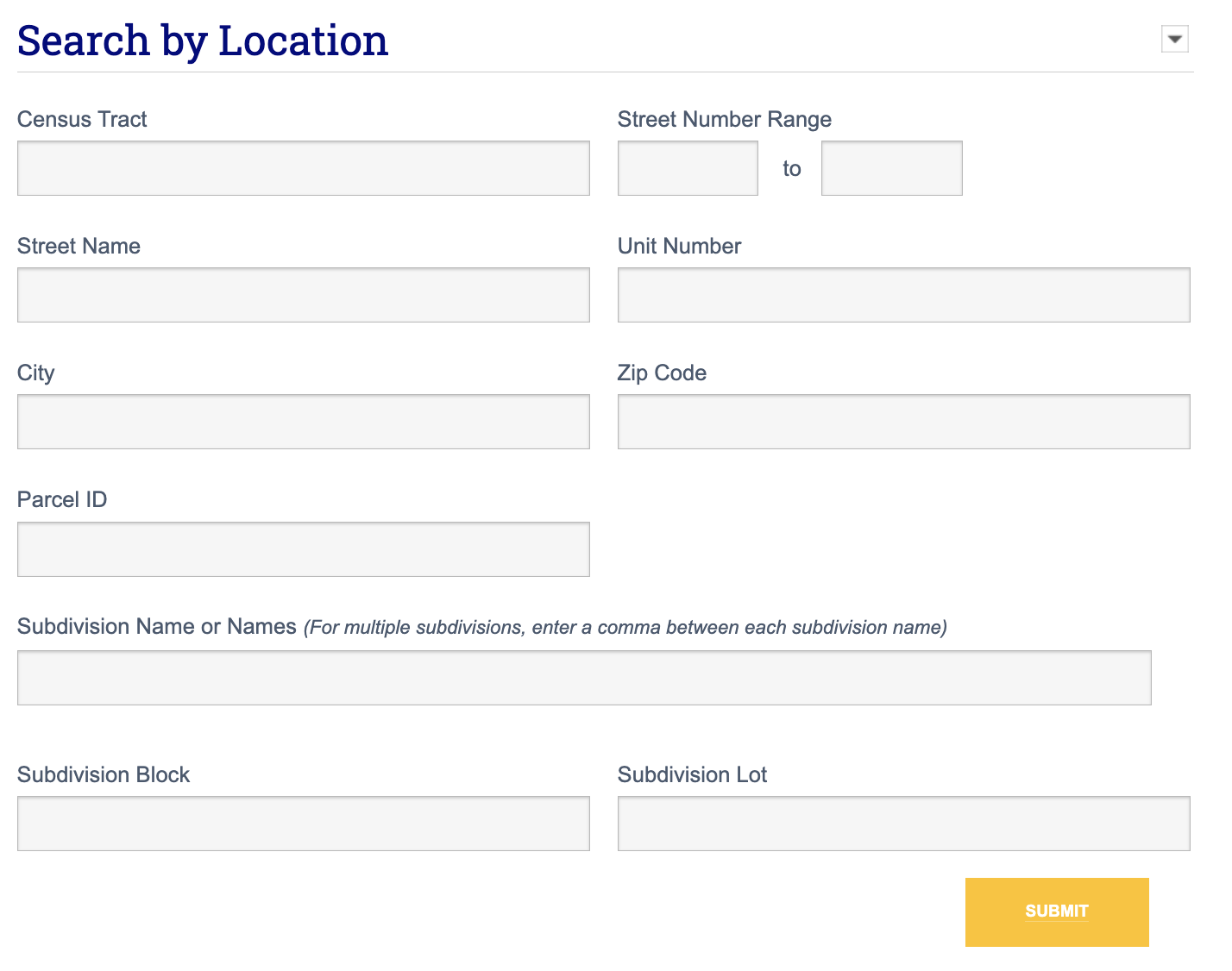
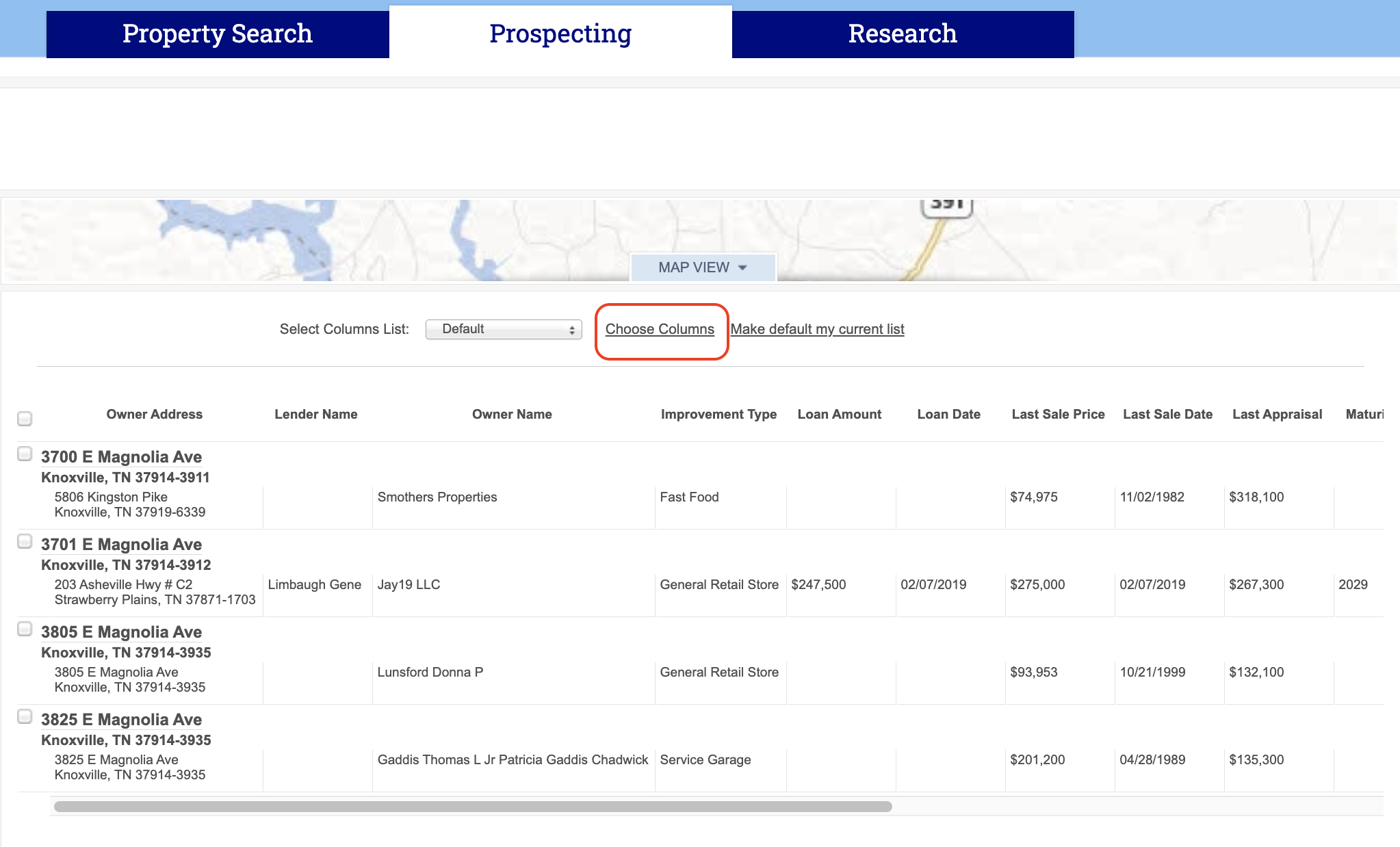
Once you’ve typed in your property address, click Submit. This will take you to a list of properties within a selected radius of your subject property. To see the mailing address for your subject property, click Choose Columns at the top of your properties list.
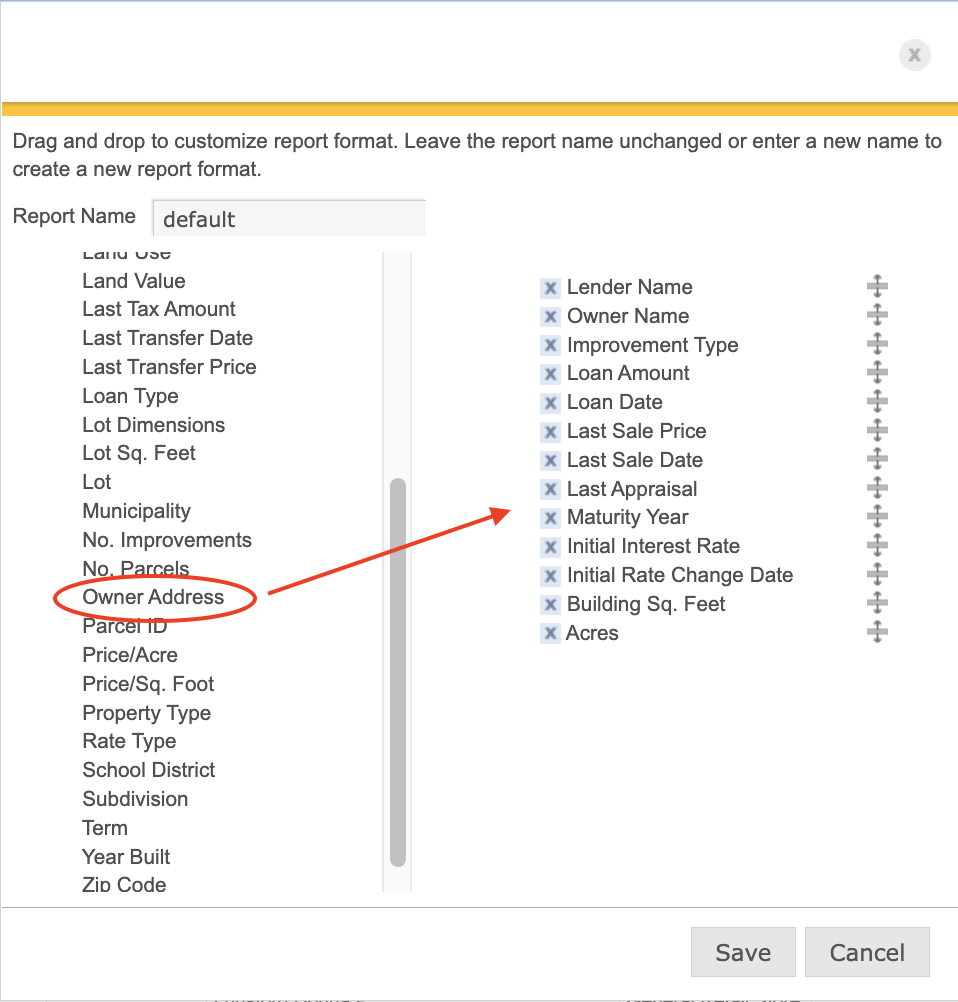
In the pop-up box, scroll down until you see Owner Address in the left-hand column. Click and drag this to the right-hand column to add it to your report and click Save.
Now, you will see the mailing address for your subject property listed below the property’s physical address. As shown, the mailing address for our example property is 5806 Kingston Pike.
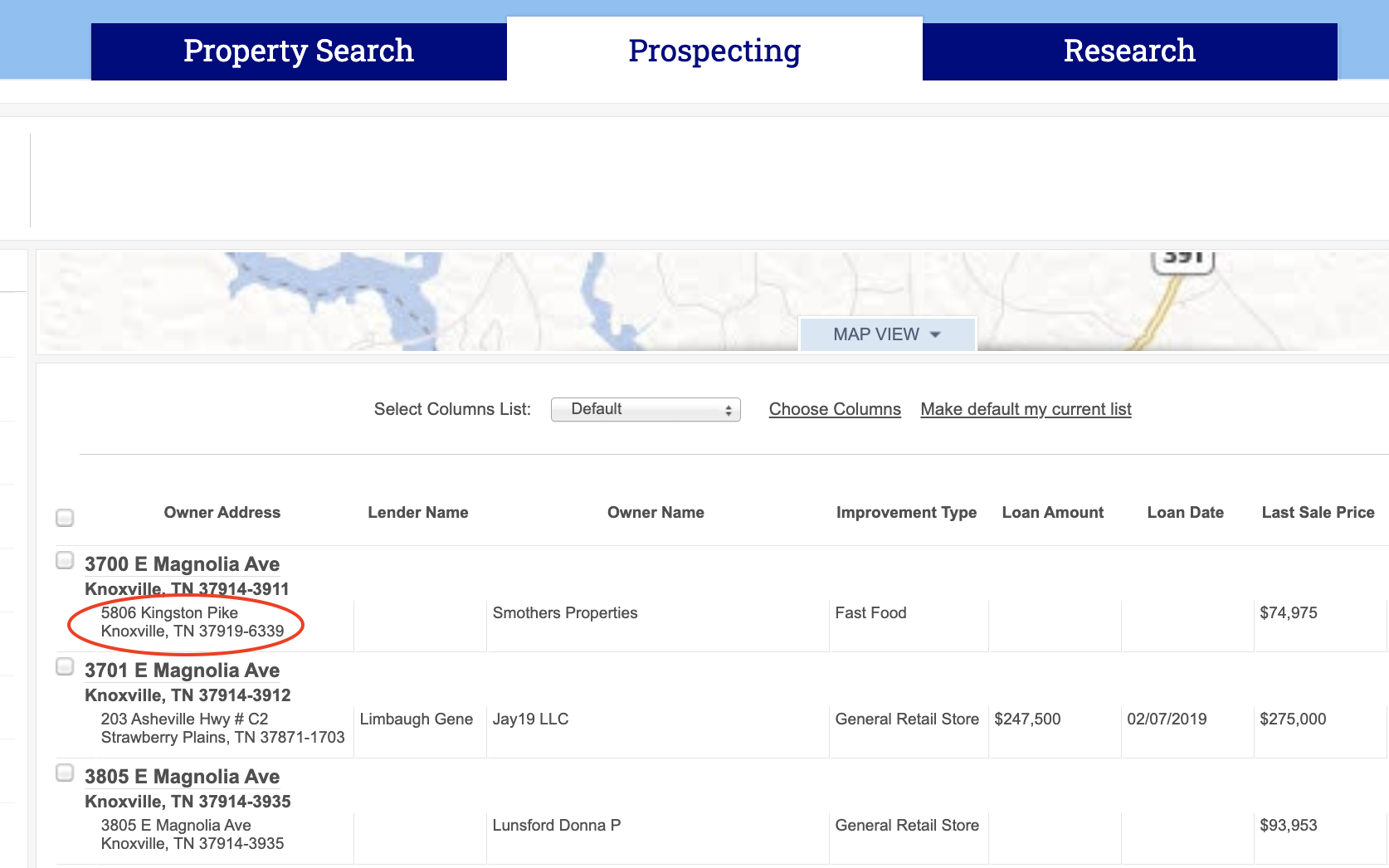
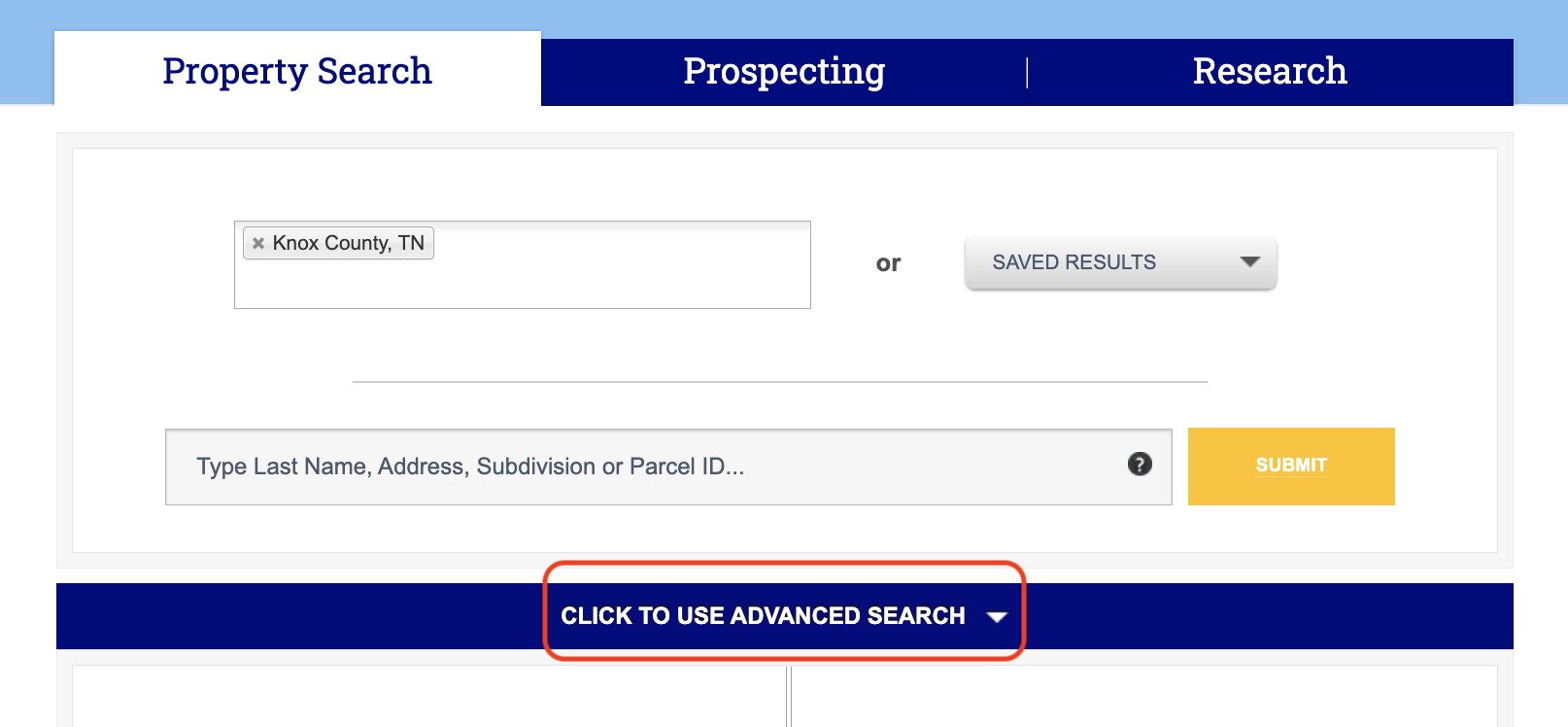
Now that we have our mailing address for this subject property, we can use the owner mailing address fields to find other properties held by the same property owner. Click the Property Search tab at the top of your screen, and then select Click to Use Advanced Search.
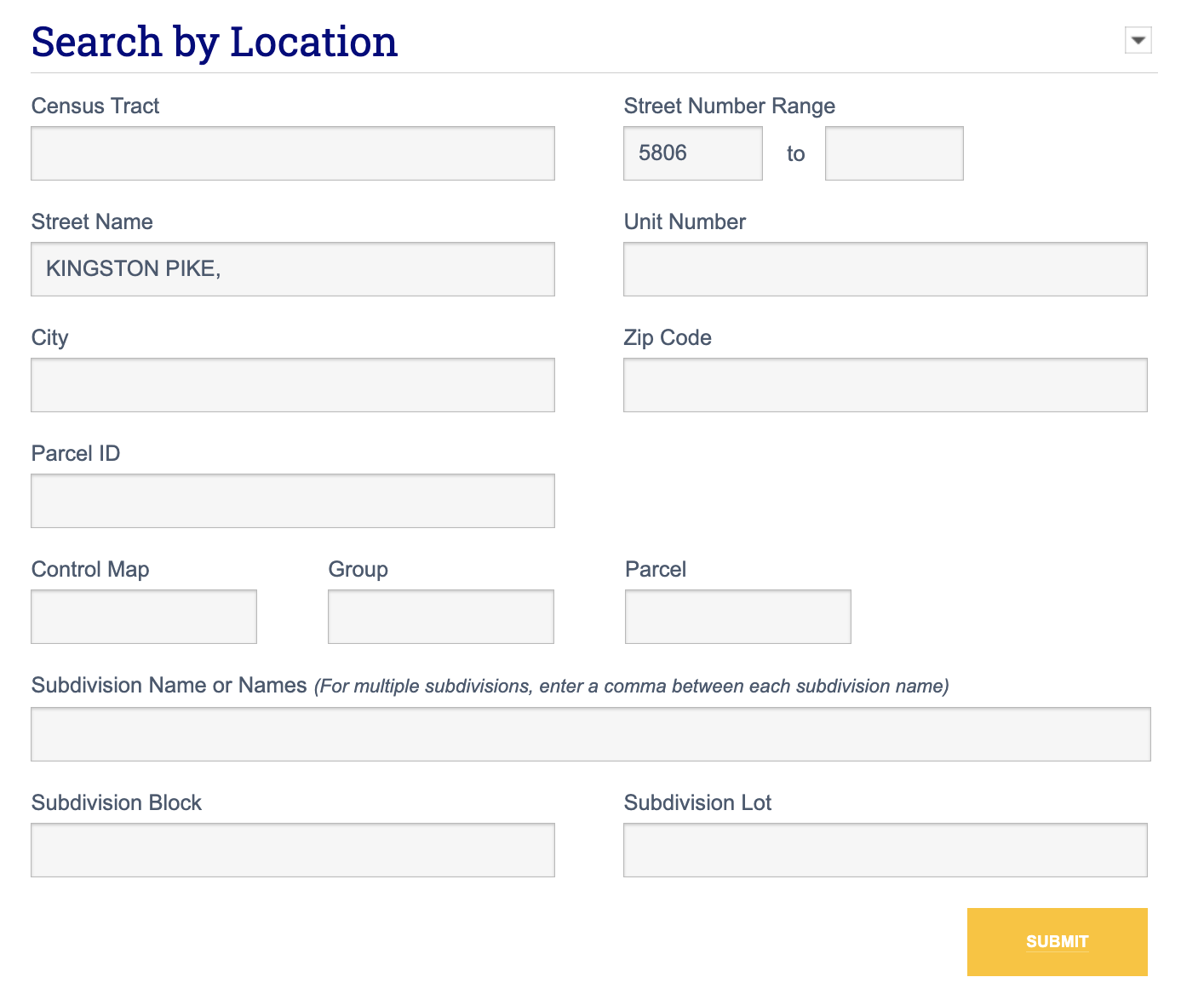
Under Search by Owner Profile in the advanced search, type in the mailing address for your subject property in the Owner Street Number and Owner Street Name fields in the Search By Location, as shown. Then click Submit.
This will generate a list of properties that share that same mailing address, so you can now view a list of properties held by the same owner.