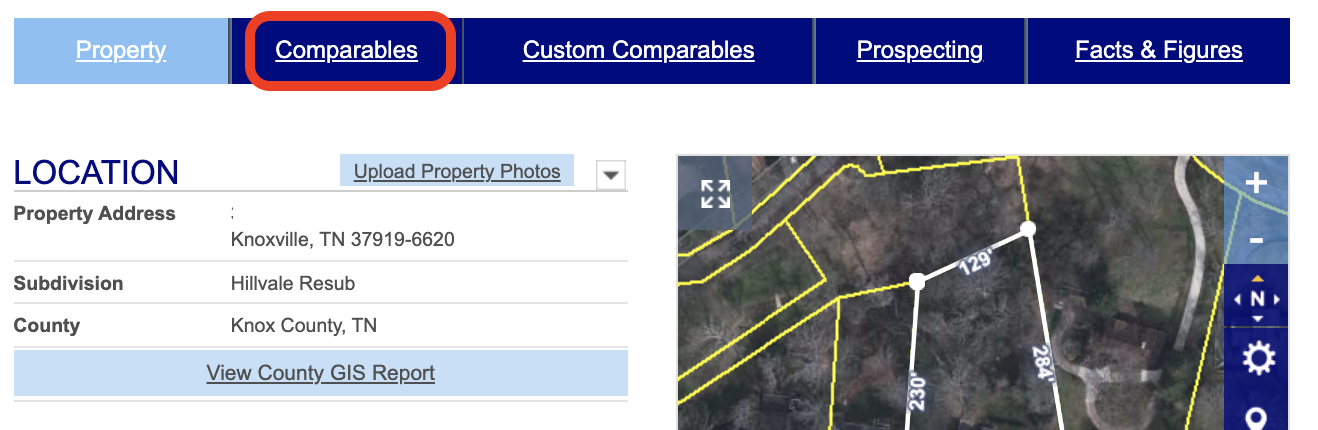
Financial Suite offers two approaches to finding comparables. The quickest approach is under the Comparables tab. If you are searching for comparables of a home within a specific subdivision where the type of home and lot size are generally the same, the Comparables tab will produce a set of auto comparables, which in many cases will be all you need.
After you have searched for the subject property and are viewing a property report, select Comparables to view similar properties that have sold recently in the same area. You’ll be able to adjust the search parameters to include additional properties or remove unnecessary ones before sending, saving, or printing your report.