To select which data you want to display in the results window, select Choose Columns.
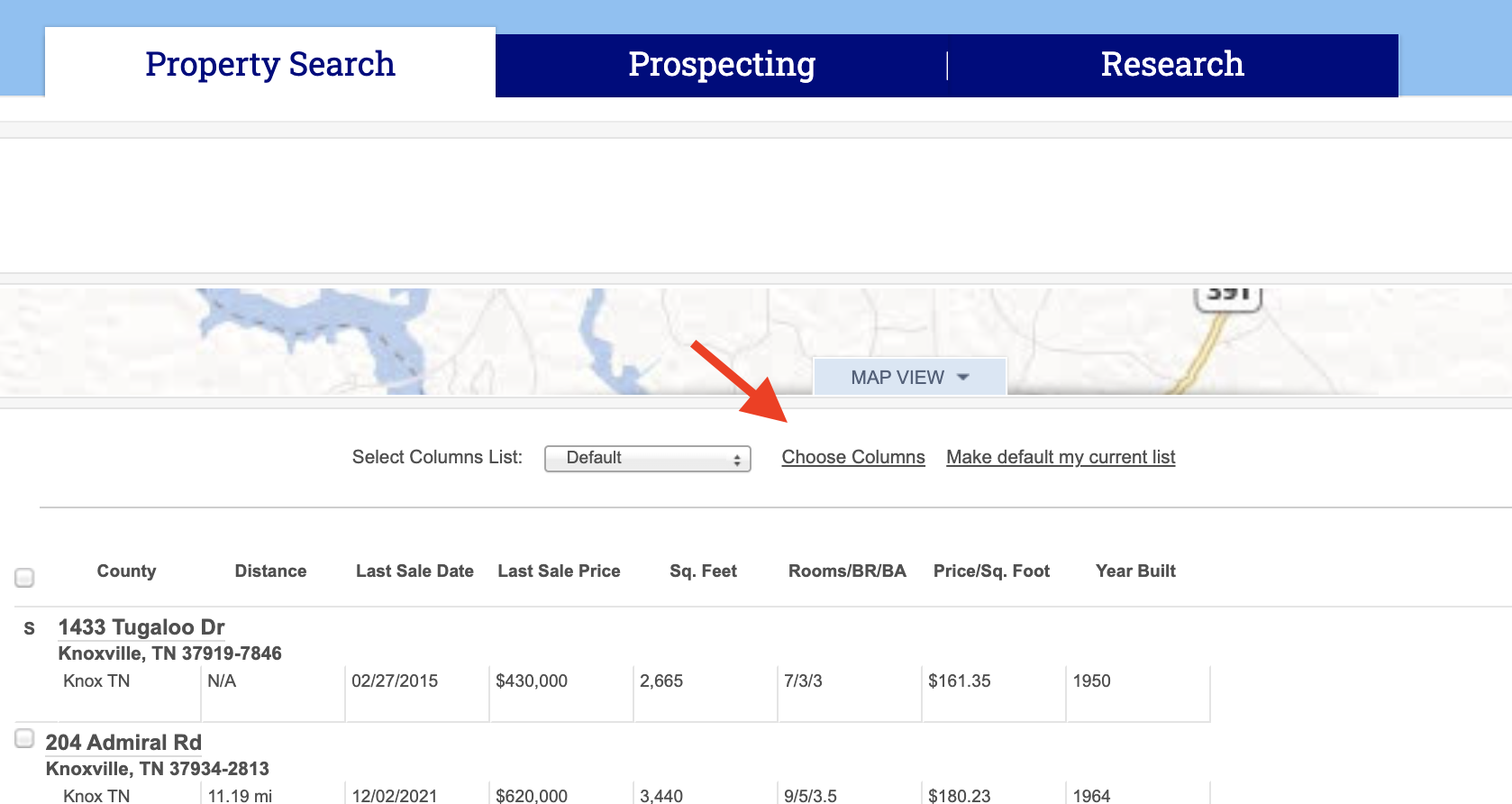
Pro Tip: You can also sort your results by ascending or descending order by clicking on any of the columns titles.
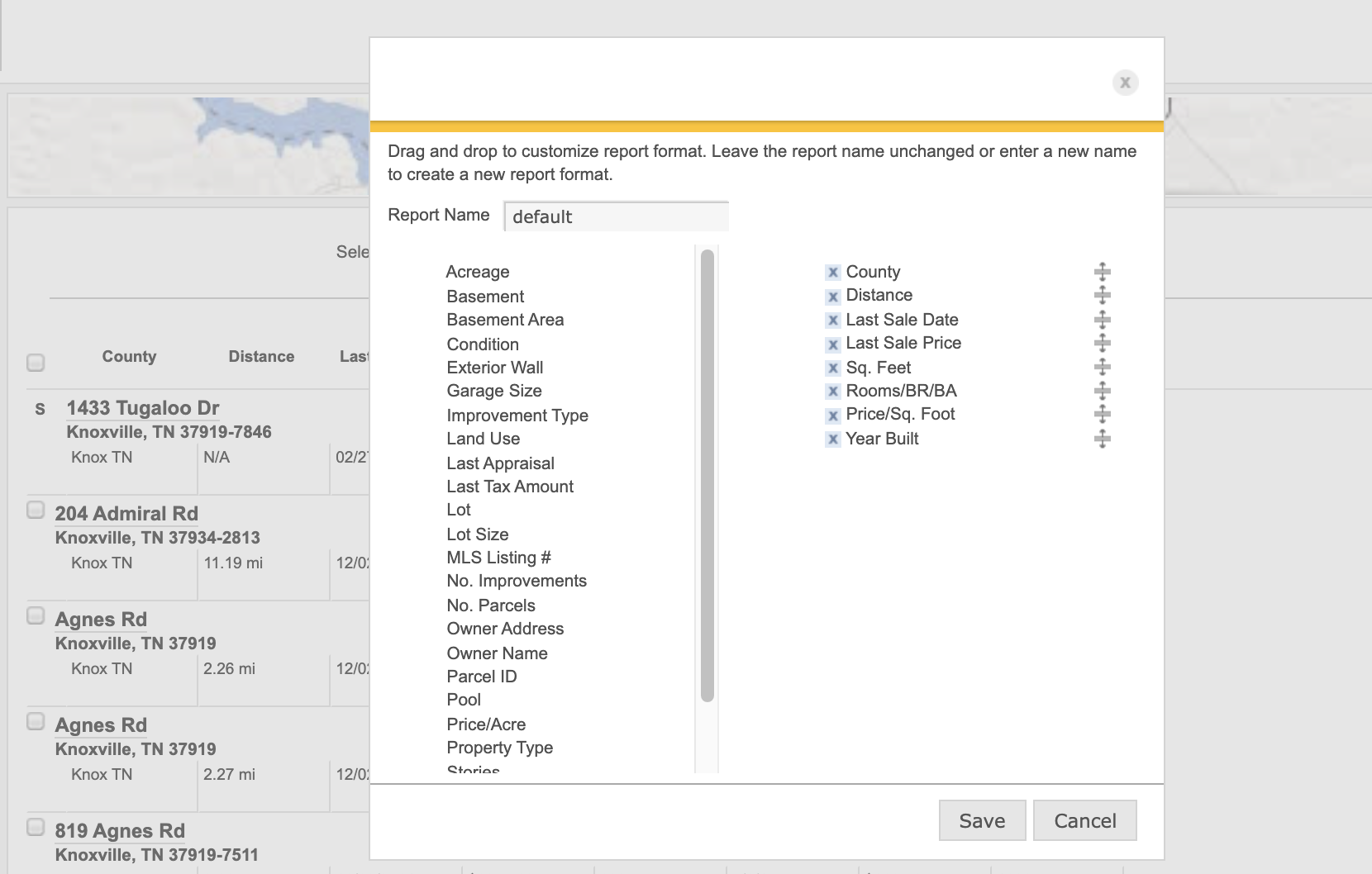
A pop up window will appear, from which you can select or deselect the data you want to appear in the results window. For example, you may want to display the lot size in your results. Select the Lot Size option from the left side and drag it to the right side. Or, you may want to remove the Distance option by clicking on the x.
Video Tutorial: From the search results page you can customize how the data is displayed. View our video tutorial below on how to Customize Your Experience.