Financial Suite allows you to search for new business opportunities based on loan information, property characteristics or by using the map tool.
To get started, select the Prospecting tab at the top of the page. Your first step is to select the county in which you would like to prospect. You may select up to five counties at one time. Begin typing a county name to refine the list.
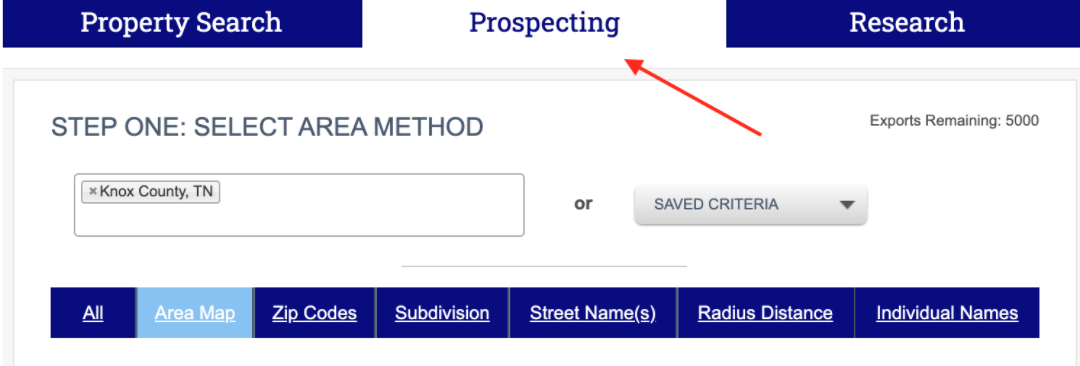
Once you have selected the county(ies), you can then choose how you will conduct the search. You may choose to search broadly by selecting All or by Area Map or you may conduct more of a micro search using a small radius around a subject property.
If you have saved criteria from a previous search, simply select Saved Criteria and your saved searches will be available.