Within the Prospecting tab, choose your county(ies) and then select either All or you may choose to specify by zip code. Select your criteria and click UPDATE.
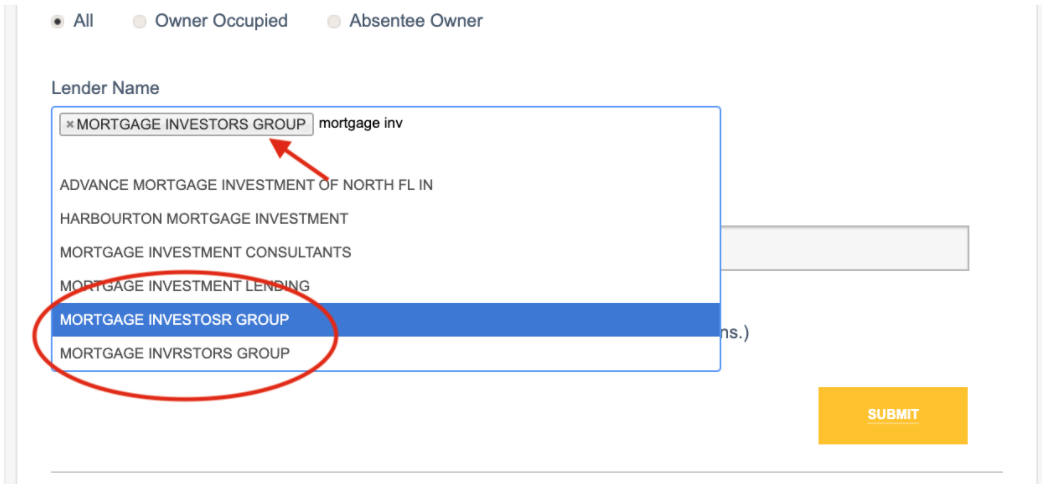
Next, scroll down to the Lender Name box in the search by loan information section. Begin typing the name of the lender(s) you wish to search. Keep in mind, there may be different variations of the same lender name, depending on how the name was originally listed in the deed.
Below, you will see an example in which the lender’s name was misspelled, but the listing name that is shown would still be relevant to the search. Select all results that apply.
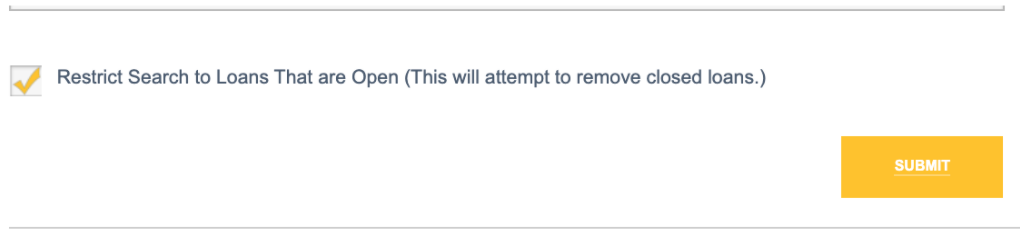
Be sure to check the box next to Restrict Search to Loans That are Open as this will attempt to leave out closed loans.
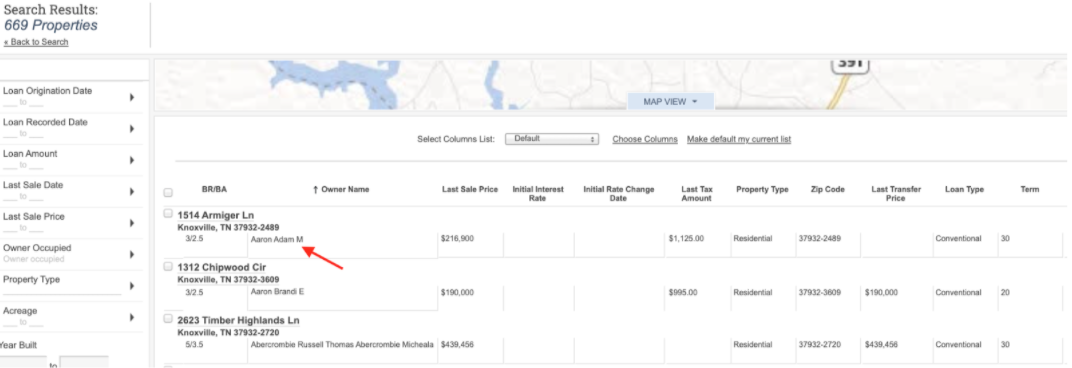
Click SUBMIT when you are satisfied with the lender list. In this example you will see a list of Mortgage Investors Group borrowers. Click on the address to open the property report. You can also search each individual borrower by last name to see if they have other properties financed by other banks.