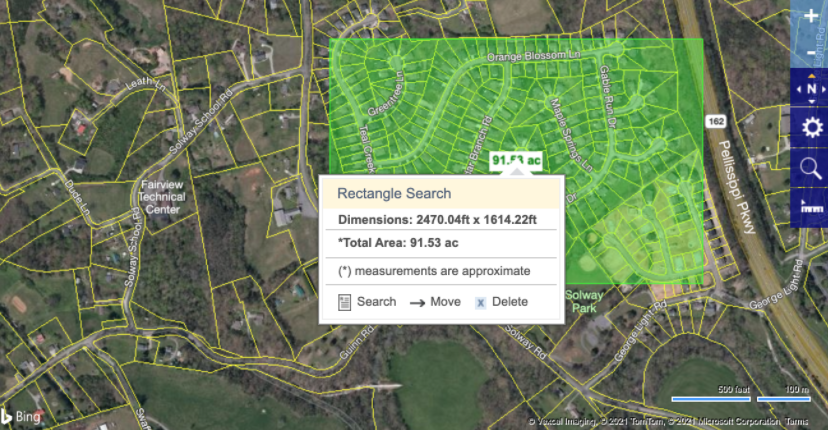
Click on the Prospecting tab and then click on Area Map. Click and drag the map to the area you wish to prospect, or center the map on a particular address by typing the address in the bar above the map. Click SUBMIT.
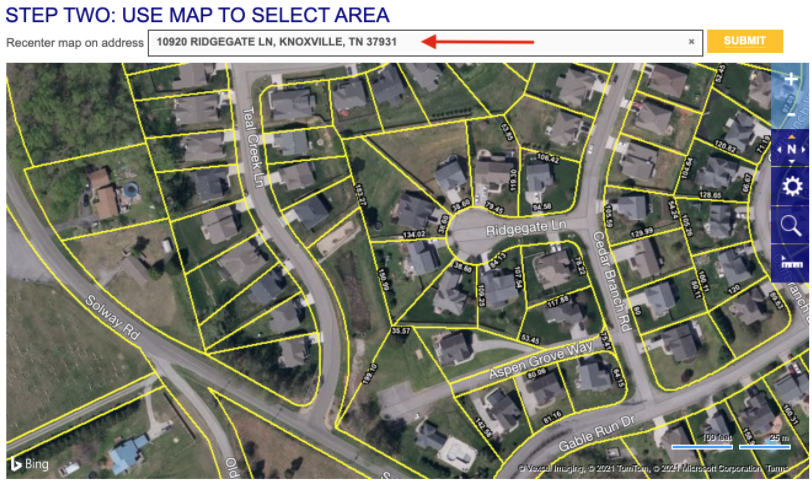
Adjust the map using the +/- symbols to zoom in and out on the area you would like to include. You may also click on the magnifying glass to choose a tool to use to “draw” around the area you wish to prospect.
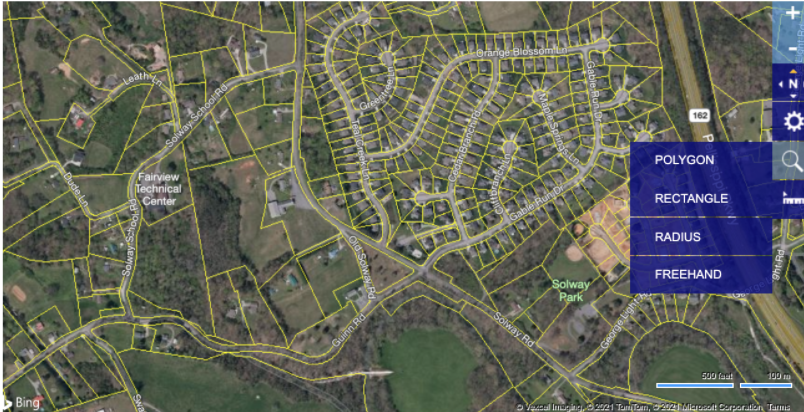
Select the tool you would like to use and click on the map. In this example we chose Polygon. Follow the steps to complete your shape and then click on the purple circle in the corner of the Polygon to complete the shape and then click on Include this shape or Delete this shape.
You may also search by entering a radius around the subject property, a rectangle or by freehand drawing a shape. Once you are satisfied with the shape, scroll down below the map to select any additional parameters to include in your search. Click SUBMIT to produce the results page.
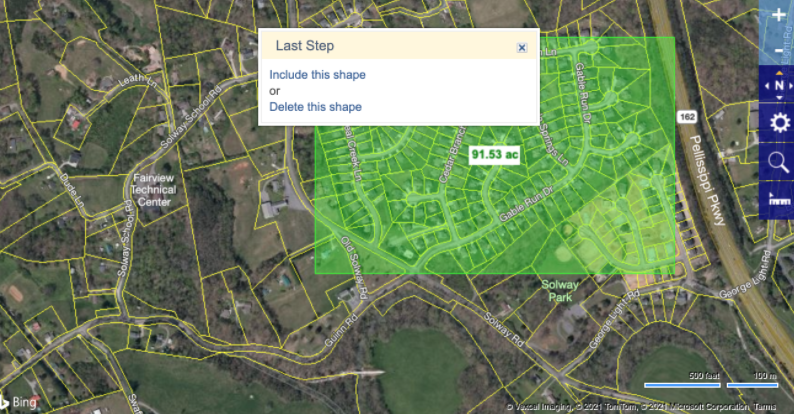
If you are not satisfied with the results, click Back to Search toward the top of your screen.
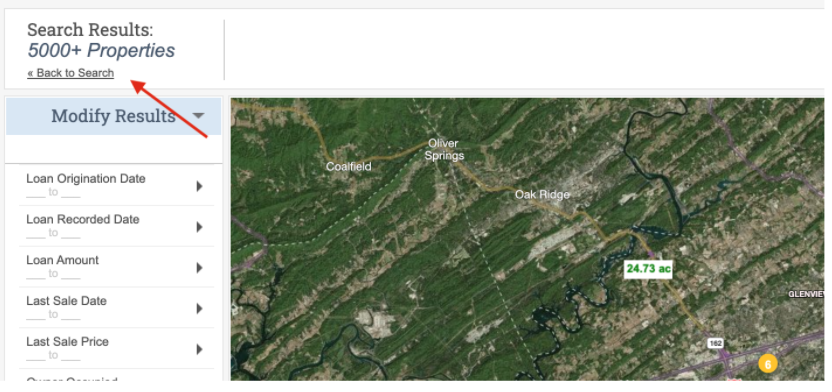
Then hover on the area box in the center of the shape, and click Delete. From here you can conduct a new search.